
Samsung Finally Allows Users to Disable the Bixby Button
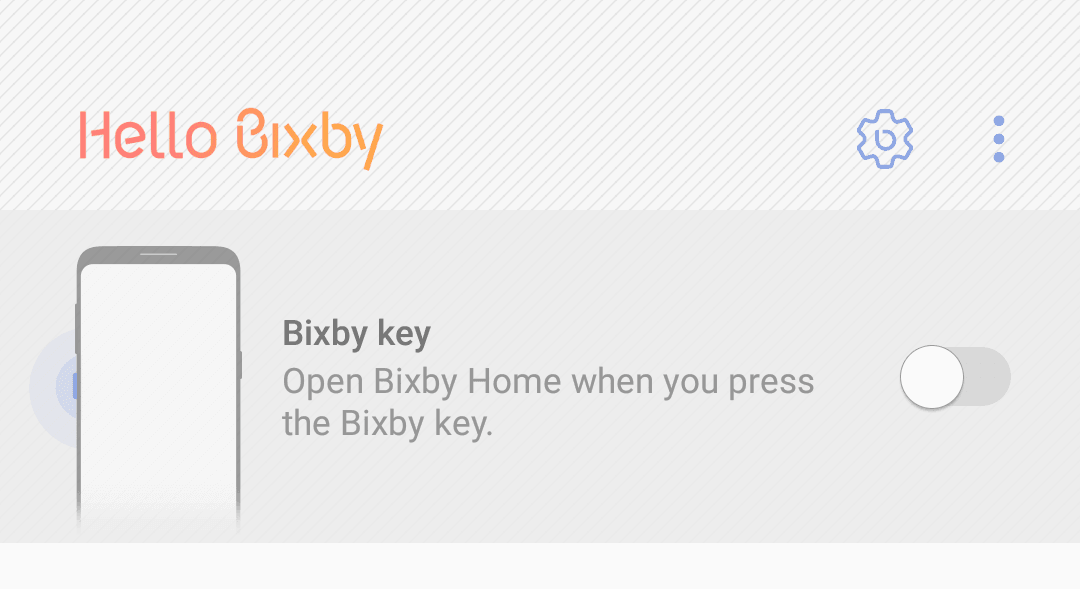
Samsung initially really wanted to force users to use Bixby their new AI platform which has been mapped to that Bixby button on the left side of the S8/S8 Plus/Note 8 below the volume keys. Many third-party apps attempted to work around this but Samsung also tried to stop this from happening. However, it seems that Samsung is finally lowering their guard and is enabling users to disable the Bixby button via a new option in your settings.
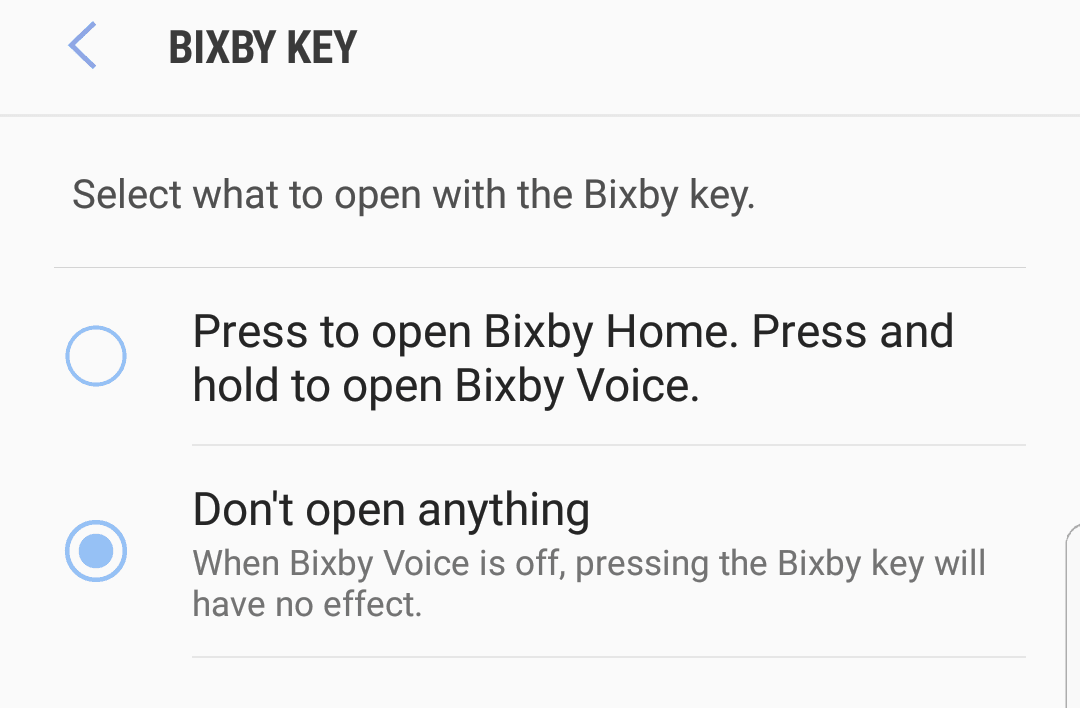
The update is still being rolled out to all handsets and is distributed in stages. It may be some time before you can gain access to this option. Many users have lodged complaints against Samsung stating that they keep accidentally hitting the Bixby button when in fact they were trying to hit the Volume Keys instead. Also accidentally launching Bixby while pulling the phone out of your pocket is a common issue. Bixby is not going anywhere, however, because the company is pouring resources into this AI assistant. This new option should be a welcome change in allowing users to disable that hardware Bixby button.
Bixby is still quite too young to be the most useful assistant available today as it still has too many holes in it’s capabilities. It certainly will mature into the future and there are still a lot of features that we hope to see very soon.
