
Have you ever wondered how you can use your Samsung phone with any carrier you like? Sometimes, phones are locked to a specific network, meaning they only work with one company’s SIM card. But don’t worry! We’re going to explore the magical world of unlocking phones, especially how to unlock a Samsung phone. Ready? Let’s dive in!
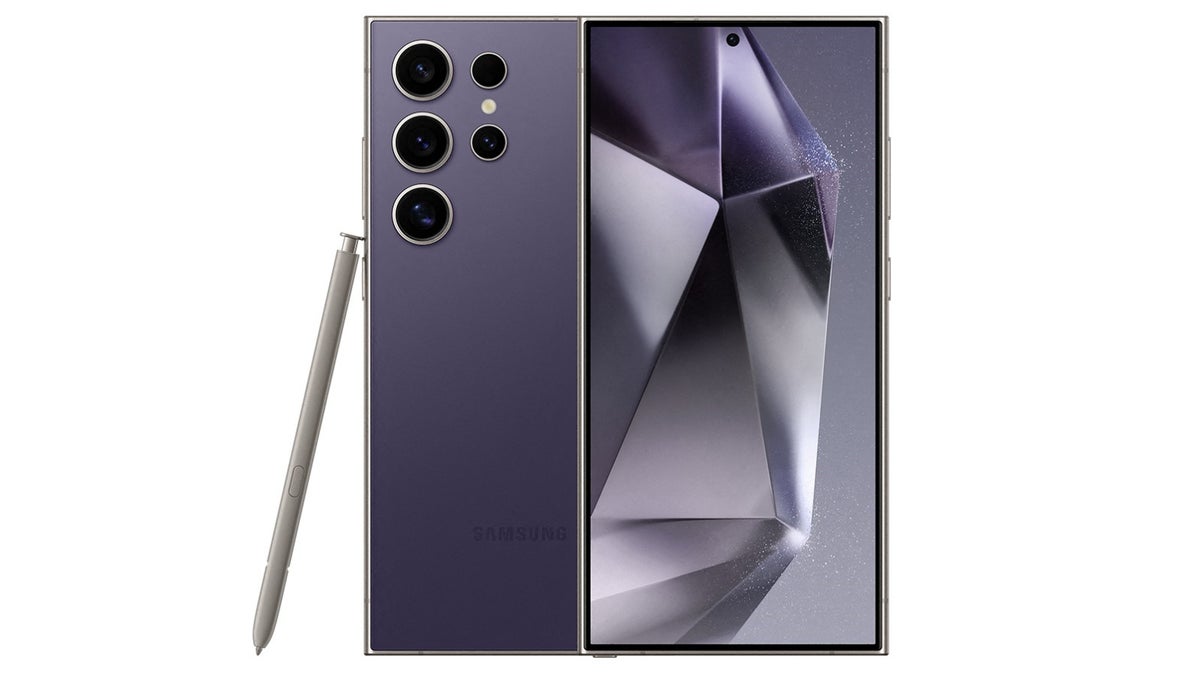
What Does “Unlocking” Mean?
First things first, what does “unlocking” a phone mean? When a phone is “locked,” it means you can only use it with the carrier you bought it from. For example, if you bought a phone from AT&T, you could only use it with an AT&T SIM card. Unlocking a phone means you can use it with any carrier’s SIM card. This gives you more freedom to choose the best plan and carrier for your needs.
Why Would You Want to Unlock a Phone?
There are a few reasons why you might want to unlock your Samsung phone:
- Traveling Abroad: If you’re going on a trip to another country, you can use a local SIM card to avoid expensive roaming charges.
- Switching Carriers: Maybe you found a better deal with another carrier. If your phone is unlocked, you can switch without needing a new phone.
- Selling Your Phone: An unlocked phone is usually worth more money because the buyer can use it with any carrier.
How to Unlock a Samsung Phone
Now, let’s get to the exciting part—how to unlock a Samsung phone! There are a few different methods, and we’ll cover the easiest ones.
Method 1: Contact Your Carrier
The most straightforward way to unlock your phone is to ask your carrier. Here’s how you can do it if you have an AT&T phone.
- Check Eligibility: First, you need to make sure your phone is eligible to be unlocked. For AT&T, this means your phone needs to be paid off completely, and it must not be reported as lost or stolen.
Request an Unlock: You can do this by visiting the AT&T website and filling out an unlock request form. You’ll need to provide your phone’s IMEI number, which you can find by dialing *#06# on your phone. - Wait for Confirmation: After you submit the form, you’ll get a confirmation email. AT&T will process your request, which can take a few days.
- Unlock Your Phone: Once your request is approved, you’ll receive instructions on how to unlock your phone. Follow the steps, and voila! Your Samsung phone is unlocked.
Method 2: Using a Third-Party Service
If you can’t unlock your phone through your carrier, you can use a third-party service. These services usually charge a fee, but they can unlock your phone quickly. Here’s how it works:
- Find a Reputable Service: Look for a service with good reviews and reasonable prices.
- Provide Your IMEI Number: Just like with the carrier method, you’ll need to provide your phone’s IMEI number.
- Pay the Fee: Most services will charge a fee, so you’ll need to pay online.
- Follow the Instructions: The service will send you instructions on how to unlock your phone. Follow them carefully, and your phone will be unlocked.
Method 3: Unlocking via Software
Some tech-savvy people might prefer to unlock their phones using special software. This method is more complicated and can be risky, so it’s not recommended for beginners. If you’re interested, you can find guides and tutorials online, but be sure to proceed with caution.
How to Unlock a Samsung Phone
If you’re wondering, “how do you unlock a Samsung phone?” or “how to unlock a Samsung phone,” don’t worry! We’ve got you covered. Whether it’s through your carrier, a third-party service, or special software, unlocking your Samsung phone can be easy and hassle-free.
Things to Remember
Before you unlock your phone, here are a few things to keep in mind:
- Backup Your Data: Always back up your data before unlocking your phone. This ensures you don’t lose any important information.
- Follow Instructions Carefully: Whether you’re unlocking through your carrier or a third-party service, follow the instructions carefully to avoid any issues.
- Check for Warranties: Unlocking your phone might void its warranty, so check with your carrier or manufacturer before proceeding.
Conclusion
Unlocking your Samsung phone with CellUnlocker can give you the freedom to choose the best carrier and plan for your needs. Whether you’re traveling, switching carriers, or selling your phone, unlocking it is a great option. Remember to check your phone’s eligibility and follow the proper steps to ensure a smooth unlocking process.
Now you know all about how to unlock a Samsung phone with CellUnlocker! So, the next time you need to switch carriers or use a different SIM card, you’ll be ready. Happy unlocking, and enjoy the freedom of using your Samsung phone with any carrier you like!
