
Have you ever heard about unlocking a phone? It might sound like a secret mission, but it’s a cool thing you can do to use your phone with any carrier you like. Today, we’re going to learn how to unlock a Samsung phone safely. We’ll explore why you might want to unlock your phone, and the steps to do it, especially if you have a phone locked to AT&T.
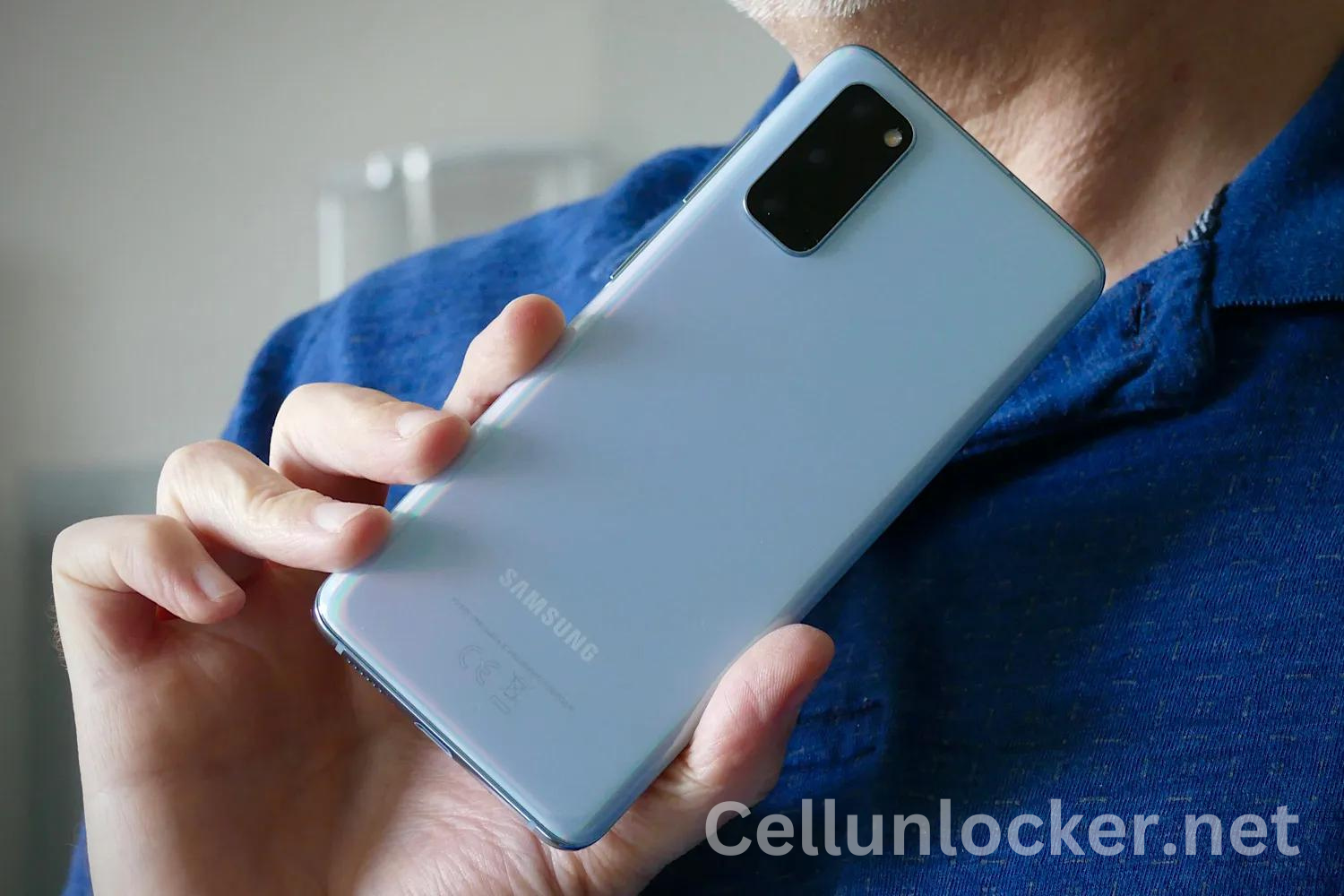
What Does It Mean to Unlock a Phone?
When you get a new phone from a carrier like AT&T, it’s often “locked” to their network. This means you can only use that phone with AT&T’s service. Unlocking the phone lets you use it with any carrier’s SIM card. It’s like having the key to unlock a special box, giving you more choices on how to use your phone.
Why Unlock Your Samsung Phone?
Unlocking your Samsung phone can be very helpful. Here are some reasons why:
- Freedom to Choose: If your family finds a better deal with another carrier, unlocking your phone means you don’t have to get a new one.
- Traveling: When you travel to another country, you can use a local SIM card. This can save money on phone bills.
- Selling the Phone: An unlocked phone is worth more because anyone can use it with any carrier.
How Can You Unlock a Samsung Phone?
Now let’s talk about the exciting part: how to unlock a Samsung phone safely. There are a few ways to do it, especially if your phone is locked to AT&T.
Method 1: AT&T Device Unlock
If your Samsung phone is locked to AT&T, you can use the AT&T device unlock process. Here’s how to unlock an AT&T phone:
- Check Eligibility: First, make sure your phone can be unlocked. AT&T has certain rules, like your phone must be paid off, and it can’t be reported as lost or stolen. Ask your parents to help you check these rules on the AT&T website.
- Request the Unlock Code: Once you know your phone is eligible, you can request an unlock code. Go to the AT&T device unlock portal online and fill out the form. You’ll need your phone’s IMEI number, which you can find by dialing *#06# on your phone.
- Enter the Unlock Code: When you receive the unlock code from AT&T, turn off your phone, take out the AT&T SIM card, and put in a SIM card from another carrier. Turn your phone back on and enter the unlock code when prompted. Your phone should now be unlocked!
Method 2: Using a Third-Party Service
If you can’t unlock your phone through AT&T, you can use a third-party service. These services can unlock your Samsung phone for a fee. Here’s how it works:
- Find a Trusted Service: Look for a reliable unlock service online. Make sure to read reviews and ask your parents to help you find a safe one.
- Provide Information: You’ll need to give the service some information about your phone, like the IMEI number and the carrier it’s locked to.
- Follow Instructions: The service will guide you through the process. This might involve downloading software or entering codes.
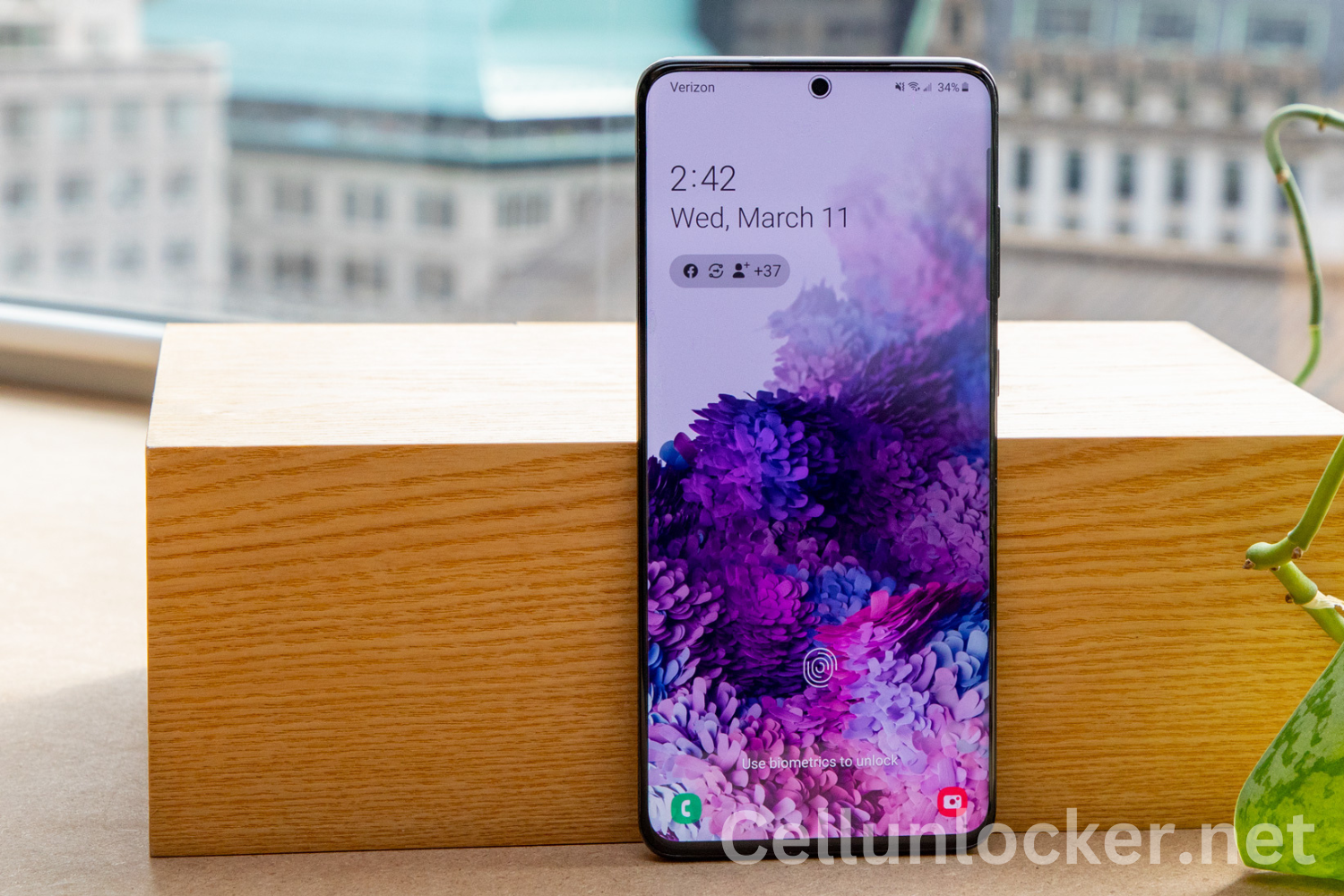
Safety Tips for Unlocking Your Samsung Phone
Unlocking your phone can be easy, but it’s important to do it safely. Here are some tips to help:
- Double-check Your IMEI Number: Make sure you have the correct IMEI number before requesting an unlock code.
- Use Trusted Services: Only use unlock services with good reviews and a strong reputation.
- Follow Instructions Carefully: Whether you’re entering a code or using software, follow all the steps correctly to avoid problems.
- Ask for Help: If you’re not sure about something, ask your parents or a trusted adult for help.
What to Do After Unlocking Your Samsung Phone
Once your phone is unlocked, there are some fun things you can do:
- Switch Carriers: If you find a better deal with another carrier, you can switch without needing a new phone.
- Use Local SIM Cards: When traveling, you can use local SIM cards to save money on calls and data.
- Sell Your Phone: If you ever want to sell your phone, an unlocked phone can be sold to more people, making it worth more.
Conclusion
Unlocking a Samsung phone might seem complicated, but with the right steps, it’s quite simple and safe. Whether you’re switching carriers, traveling, or selling your phone, unlocking it gives you the flexibility to use it however you like.
Remember, if your phone is locked to AT&T, you can use the AT&T device unlock process. You can also use trusted third-party services if needed. Always follow the instructions carefully, and don’t hesitate to ask for help from your parents or a trusted adult. Now you know how to unlock a Samsung phone safely, thanks to CellUnlocker, and you can even help your friends and family do it too. Happy unlocking, and enjoy the freedom of using your phone with any carrier you choose!
